
Converting Your Personal Pay Pal Account to Business Standard
If you are using your personal Pay Pal account for processing transaction on your website, you will

 June 04, 2026
Here is how you can create new products that are fabrics or that are sold by the yard or meter:
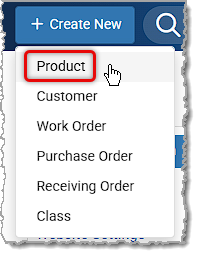
First, click the +Create New button in the upper left and in the drop-list, click Product.
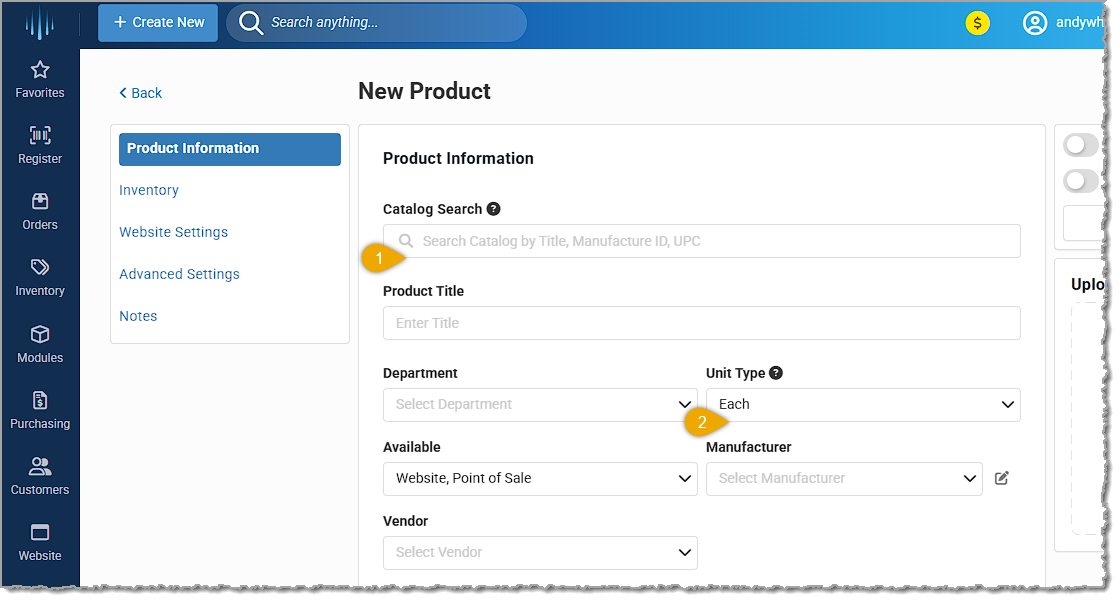
On the New Product page, you'll start on the Product Information tab. Here is how to configure your yardage / meterage product:
Finish creating your product in the normal way (click here for full details on all tabs of the New Product page) and click the Save Product button at the bottom when you're finished.
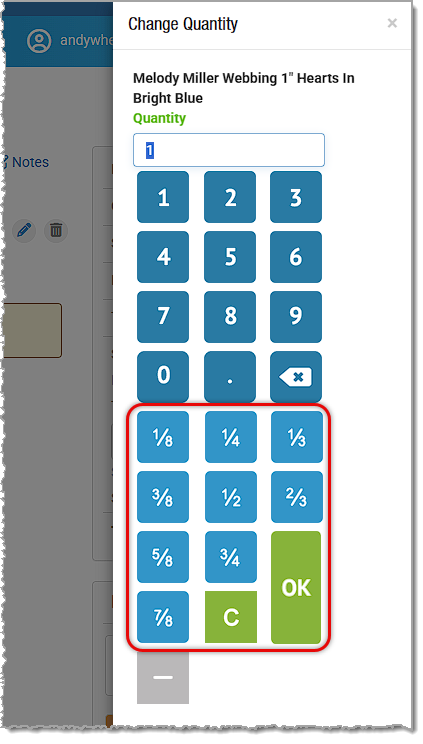
The result will be that in the Register, your sales clerks will be able to sell the fabric by whatever fractional yardage you might use, or if you sell by the meter, you'll be able to sell in tenths of a meter. Here is what you'll see when you add a yardage product to the Register for a transaction:
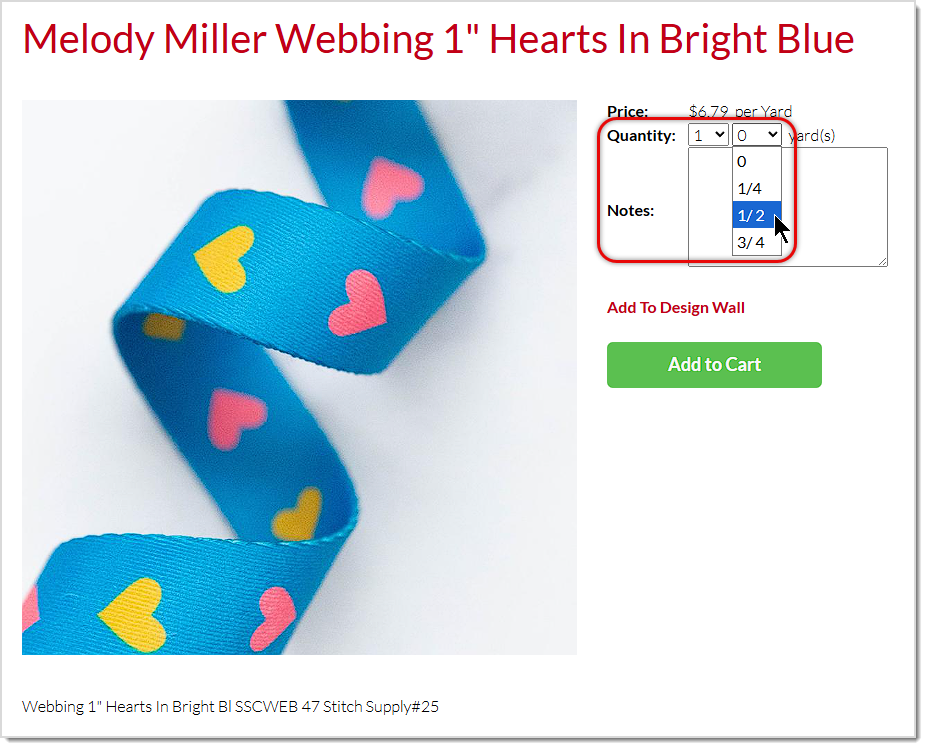
On your website, customers will be able to purchase yardage products in quantities down to the quarter-yard for yardage. If you sell fabric by the meter, customers will be able to purchase fabric down to the decimeter. The example product below is nylon webbing sold by the yard:
Is this page helpful?
×Help us improve our articles